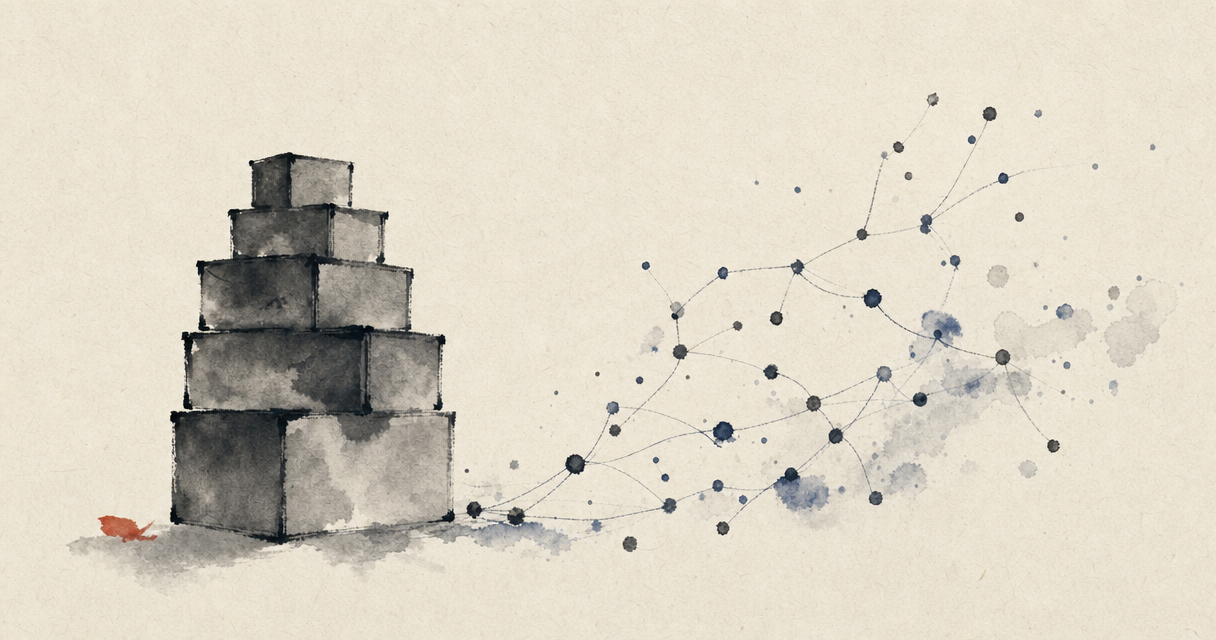
Folders feel obvious because we've always used them: they're the digital legacy of the paper filing cabinet — the model almost every note-taking app is built on, Evernote first among them. But they hide a deep flaw, one we feel every time we look for something and can't find it: they force us to guess today where we'll look tomorrow.
Why folders fail
The first problem is that an idea lives in more than one place. A note about a project with a client in the wine business: does it go in "Projects", "Clients" or "Wine"? Whatever you choose, three months from now you'll look for it in the other spot. The second problem is memory: to find something with folders you have to remember what you called it and where you put it. But if you already remembered everything, you wouldn't need to search for it.
Even "classic" keyword search doesn't fully save you: it only finds notes that contain exactly that word. If you wrote "meeting" and you search for "call", or if the right idea used different synonyms, you won't find it. You're searching for strings, not meanings.
What semantic search is
Semantic search looks by meaning, not by exact words. Under the hood, every note is turned into a numerical representation of what it means — technically called an embedding — and when you ask a question, the system finds the notes that are close in meaning, even if they use completely different words from yours.
A concrete example: you search for "how to keep a remote team motivated" and you get back a note titled "Monday meeting", a voice note about a management book and a reflection after a difficult call — none of the three contained your words, but all three were about that very thing. It's the difference between an archive that waits for the right name and an archive that understands what you mean.
Folders and semantic search aren't enemies
It's not that folders should be abolished. For some things — tax documents, materials for an active project — a clear structure is very handy. The point is to stop relying on folders to find your ideas again. For that job, searching by meaning is simply the right tool: no filing decision when you capture, no memory effort when you search.
Beyond search: connections
There's a further step. If the system understands what your notes mean, it doesn't have to wait for you to search: it can show you on its own the notes related to the one you're reading. It's the leap from a hand-built Zettelkasten — where you weave the threads yourself — to a second brain that weaves your thoughts together for you. I wrote about this when comparing the methods for organizing ideas: semantic search is what makes the most valuable and most demanding part of those methods sustainable.
The paradigm shift
With folders, you work for the archive: you organize it, maintain it, remember its map. With search by meaning, the archive works for you: you throw your thoughts in as they come, and it finds them for you — and connects them — when you need them. It's a small technical change with a big practical consequence: you stop managing a system and get back to doing the only thing that matters, thinking.