Evernote was the first place where I put something I didn't want to lose. For many people it's still the only one: some keep fifteen years of their lives in it — receipts, plane tickets, meeting notes from companies that no longer exist. That weight isn't a flaw: it's proof that it worked.
So let's make one thing clear right away: I didn't build Itomori because Evernote is badly made. I built it because it starts from a question that was costing me ideas. Here I'll try to explain which question, what changes in practice, and above all in which cases you're better off not switching apps.
What Evernote does better than Itomori
I'll start here, because it's the part these articles usually skip.
Evernote is an archive, and as an archive it's far more capable. It clips web pages in one click and keeps them as they were. You can put PDFs, photos and scans in it, and it finds them by searching even the text inside images. It handles attachments, notebooks shared with a team, a mature desktop app, twenty years of layered features. If your problem is keeping documents and finding them again ten years from now, Itomori isn't even in the race — and won't try to be.
The question that makes you lose the thought
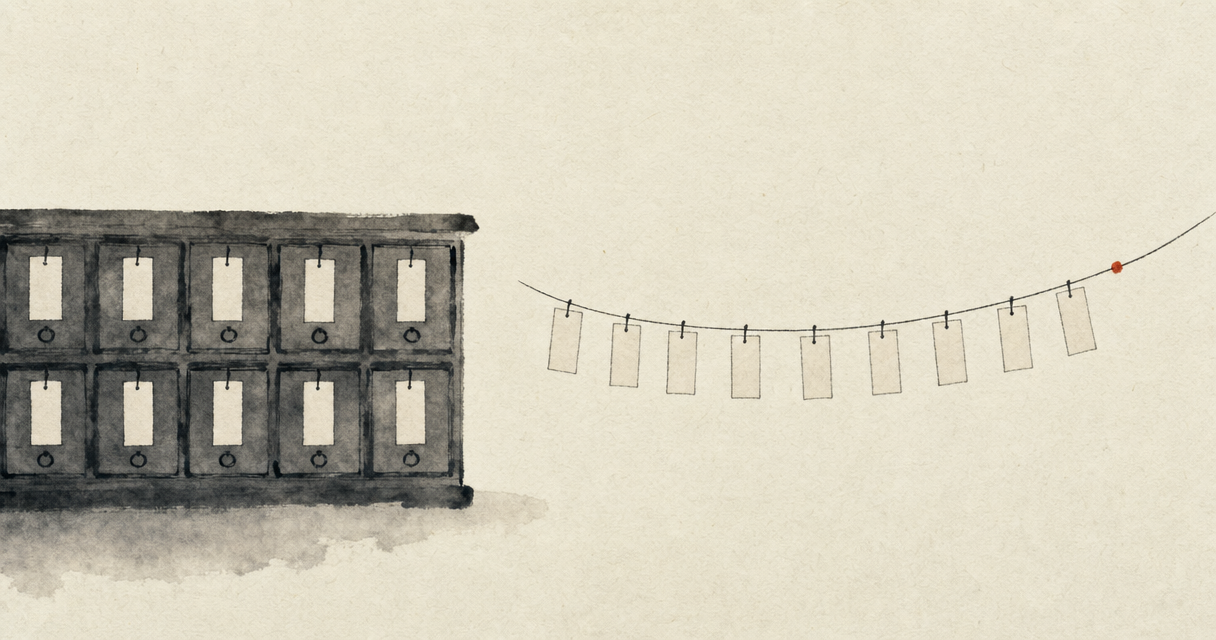
Evernote's model comes from a piece of office furniture: notebooks, that is, drawers. Every time you save something, before saving it, you have to answer a question: which notebook does this go in?
It looks like a micro-decision. It isn't, for two reasons.
The first is that it arrives at the most fragile moment. A newborn thought lasts a few seconds. If in those seconds I ask you to classify it, I've moved you from having the idea to cataloguing it — two different activities, and the second snuffs out the first. Driving, walking, standing in line at the post office, that question is enough to make you say "I'll write it down later". Then you don't.
The second is that the right answer doesn't exist. Does a note about a project with a client in the wine business go in "Projects", "Clients" or "Wine"? Whichever drawer you choose today, three months from now you'll look for it in the other one. It's the same flaw as folders, which I've written about at length: they force you to guess today where you'll look tomorrow.
How much Evernote costs, and how much Itomori costs
It's the question everyone asks first, and the most useful answer isn't in the price of the paid plans: it's in what you can do without paying.
| Free plan | Evernote | Itomori |
|---|---|---|
| Number of notes | 50 | unlimited |
| Notebooks / folders | 1 | none, by design |
| Synced devices | 1 | all |
| Transcribed voice notes | — | included |
| Credit card | not required | not required |
Fifty notes and a single device: it's a free plan designed as a shop window, not as a place to stay. Itomori's free plan is free forever, and above all it doesn't cap the number of notes — because limiting notes means punishing precisely the people who are finding value in the tool.
On the paid plans, Evernote starts at €12.99 a month for the Starter plan and goes up to €21.99 a month for Advanced, with the usual discount if you pay a year in advance. For a well-kept archive those figures may well be worth it — but they should be compared with what you actually need, not with the longest list of features.
Prices and limits are as of the date this article was published: both change, and it's always worth checking the official website.
Where I started from: the voice
Itomori comes from the other end of the problem. Not from "where do I put it", but from how long it takes me to say it. Open, press, speak for thirty seconds, close. No fields to fill in, no drawer to choose, no title to invent: it writes the title itself afterwards, by reading what you said.
It's a difference of purpose, not of features. Evernote asks you to file things well. Itomori only asks you to not lose the thought, and takes care of the rest: it transcribes, gives it a title, summarizes it, pulls out the key points and the to-dos.
Finding without remembering
The obvious question is: if I don't put anything in order, how do I find things?
With a drawer-based archive, to find something you have to remember what you called it and where you put it. But if you already remembered both, you wouldn't need to search for it.
Itomori searches by meaning. Ask "what did I say about the price" and it finds the note where you talked about "how much to charge for it", which doesn't contain the word "price" anywhere. And at the bottom of every note you'll find the others that talk about the same thing, without you adding a single label: it weaves the thread itself. It's the same reason why tags here aren't labels you have to choose.
From notes to content, without copying things out
There's a third piece that simply doesn't exist in an archive, and it's the one I use most. From a note — even one dictated while I was driving — I ask for a post, an email, a draft article or an outline for a talk, and in about fifteen seconds I have a text written in my own words, not those of some generic AI.
It's the third step of the 3C method: capture, connect, create. An archive stops at the first.
Where your data lives
For anyone working in Europe it's a practical question, not an ideological one. Itomori is hosted in Europe: the database is in Frankfurt and the audio is on European object storage. It was born in Italian — it isn't an American product translated afterwards — and transcription works on the language you actually speak, with the names and expressions you use.
What Itomori doesn't do, and what's coming
To be useful, this comparison also has to say when you're better off staying put.
There are no folders or notebooks, and it's not a missing feature: it's a choice — I've explained it at length, and it's the one the product stands on. If the way you work relies on a hierarchy curated by hand, Itomori will seem messy to you.
It's not a document archive. No web page clipping, no receipt scanning, no search inside PDFs. If you're looking for a place to keep your 2019 invoices, this isn't it.
Shared notes aren't there yet, but they will come: today Itomori is a personal second brain, and working together is the natural next direction.
How to bring your notes over from Evernote
I need to be precise here, because this is where these articles usually overpromise. Today Itomori imports .md, .txt and .docx; direct import of Evernote's .enex files is in the works. In the meantime, coming from Evernote means going through an export and a conversion.
And that's also why I don't recommend moving everything over, not even once that import is available. My suggestion is the opposite: leave your archive where it is and try Itomori for a couple of weeks only on new ideas, the ones you don't save anywhere today because capturing them costs too much. If after two weeks you notice that's where the thoughts that matter end up, you can decide on the move then — with real data, not with a promise.
Evernote or Itomori: how to choose
Stay on Evernote if your problem is keeping things: documents, clippings, scans, attachments, material shared with a team, an archive that has to last decades and be searchable by exact word.
Try Itomori if your problem is not losing things: ideas that come in the car or while walking, meetings to transcribe, scattered thoughts you'd like to find again connected to one another and turn into something written.
And if the two coexist — it happens often — there's nothing wrong with keeping both: the archive on one side, the place where you think on the other.
Two different jobs
I don't think Itomori replaces Evernote, and I didn't build it for that. They're two tools that answer two different questions: where do I keep this thing? versus how do I make sure I don't lose this thought?
If the first question is yours, stay where you are: you're in the right place. If instead you often have an idea in the car and find it gone by the next traffic light, then the problem I've tried to solve is yours.